

Weighs like a feather. Feels like VS Code▶︎▶︎
Kaku is a lightweight Markdown editor for macOS, built with Rust and Angular.
Familiar editing, instant startup, and just the features you need — nothing you don't.
 Rust & Fast
 with Angular
 Vite Powered
 Tauri Lean
Simple on purpose.
No plugin jungle, no settings rabbit hole — just you and your Markdown.
Light and fast
Built with Rust (Tauri) and Angular, Kaku launches in a blink and stays snappy — no Electron heft, no fan noise.
VS Code at heart
Powered by Monaco, the same editor engine as VS Code. Your muscle memory just works — keybindings and all.
Live preview
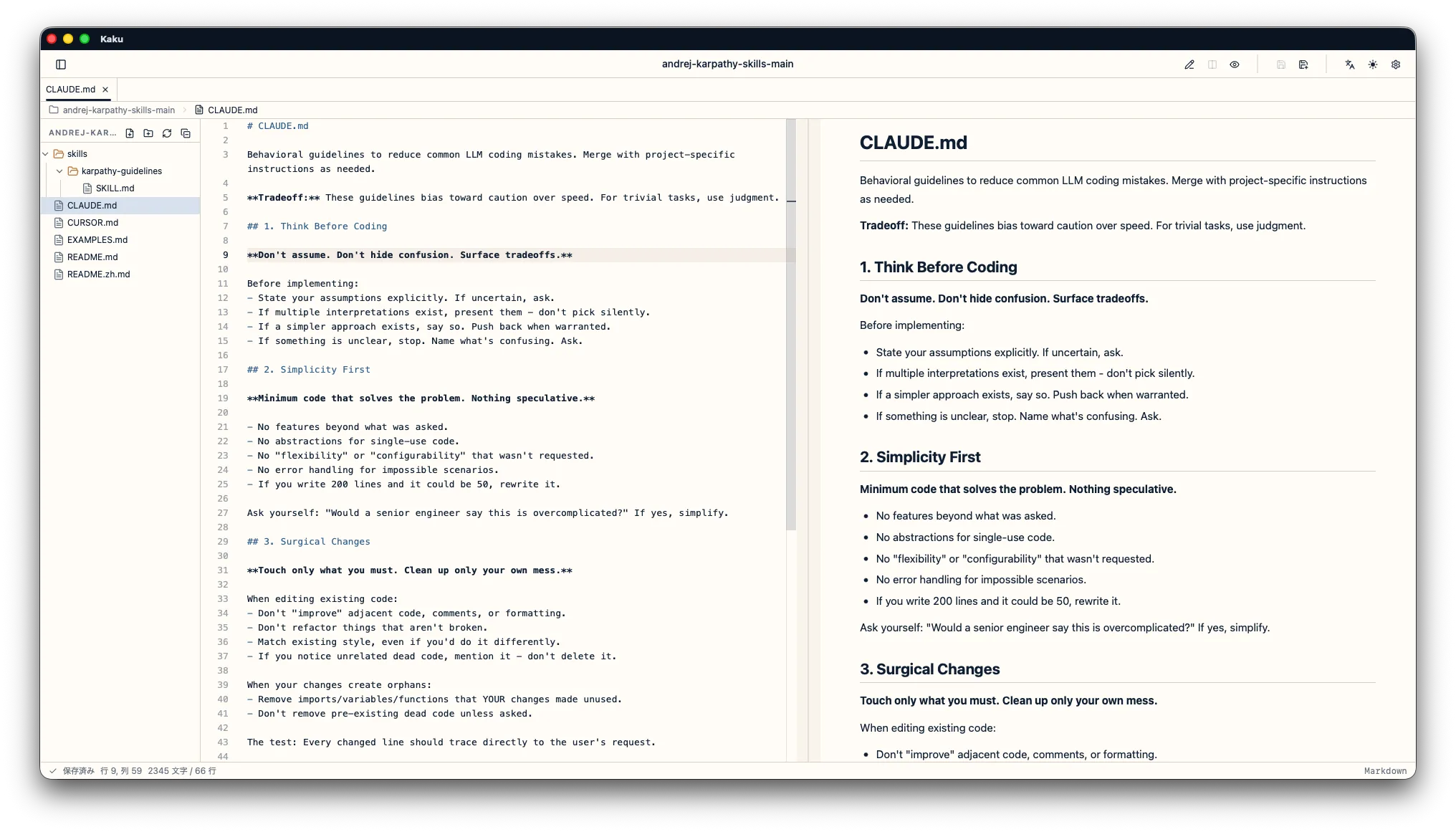
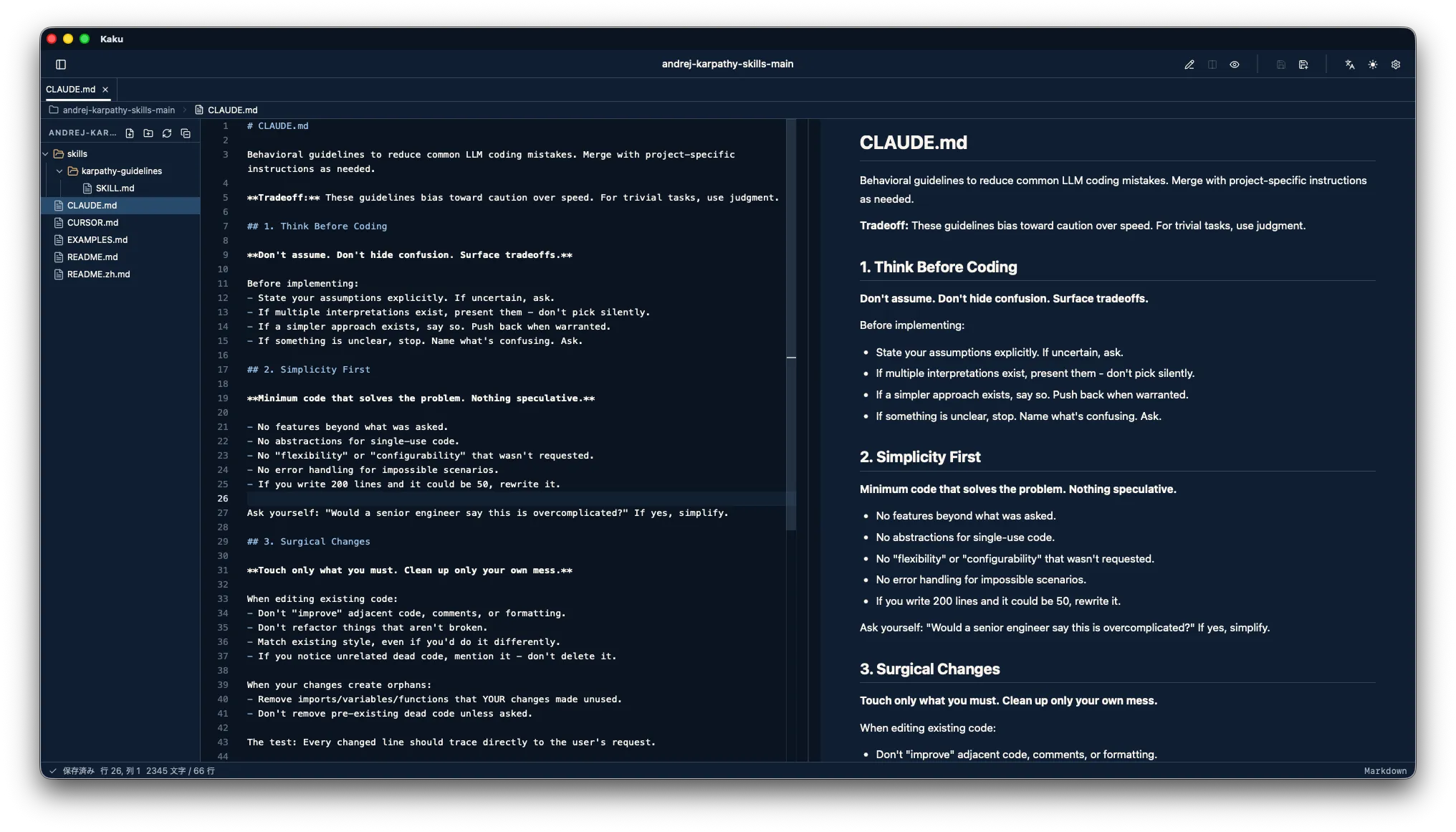
Markdown on the left, result on the right. Shiki code highlighting, GFM tables, and task lists included.
No-fuss workflow
Open a folder and browse the tree, or just open a single file and go. Handles .md / .markdown / .txt.
Themes & 5 languages
Easy-on-the-eyes light and dark themes. Speaks Japanese, English, Spanish, Korean, and Chinese.
Unsaved-change guard
Closing with unsaved edits? Kaku taps you on the shoulder first — Save, Discard, or Cancel. No lost words.
Your words stay yours.
Kaku keeps your files on your Mac and your habits to itself. No accounts, no clouds, no curious analytics.
No account
No sign-up, no login, no cloud. Download, open, write — that's the whole onboarding.
No tracking
No telemetry, no usage reporting, no analytics. Kaku doesn't phone home, and writing works fully offline.
Guarded by Rust
File access is path-validated on the Rust side — the app can't wander outside the folder or file you opened.
Writing and reading, side by side.
Markdown on the left, preview on the right — watch your document take shape as you type. Light and dark themes for any time of day.
Get started.
Free, no account, no fuss. Download it and start writing.
- Latest version:
- v0.4.0 (.dmg)
- Download size:
- ~15 MB
- Supported OS:
- macOS
- File formats:
- .md / .markdown / .txt
- Price:
- Free
Frequently asked questions
Is Kaku free?
Yep — completely free. No account, no payments, no locked features.
Where are my files stored?
On your Mac, right where you put them. Kaku doesn't sync your files to any cloud or send them to a server.
Which operating systems are supported?
macOS for now. Kaku is a desktop app built with Angular and Tauri 2 — Rust under the hood.
Which file formats can I open?
You can open and edit .md, .markdown, and .txt files — either by opening a folder and browsing the file tree, or by opening a single file directly.